

 Tormater 3D
 Tormater 2
 Tormater CD

Tormater Forum Wiki → Customizing your forum
Customizing your forum
Here’s a short guide on how you can customize your forum to match your brand/site.
Setting a color
Go to your admin panel, select the radio button next to New color, then use the color picker to set a color.
Then, at the bottom of the page, click Change settings.
Adding an image to your forum’s header
Navigate to your site via FTP.
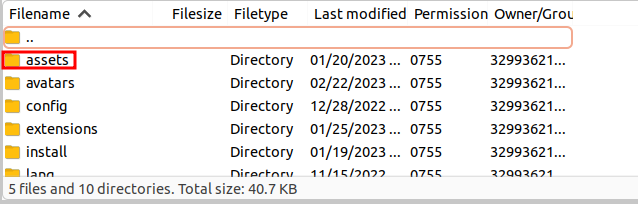
Then, navigate to the assets directory, and upload your image as forumLogo.(png/jpg/gif/svg).
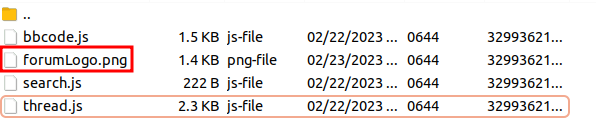
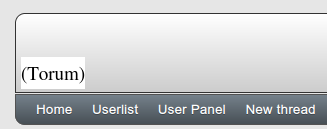
Make sure your logo is reasonably sized! (at least 80px high), otherwise it won’t take up very much space on screen:
Customizing your forum’s pages
See Templates#In Themes.

